Blog: Product
Snowflake |
Analytics
By: Chris Chandler
25 March 2026
Get your ERP data into Snowflake — natively
ERP data is some of the most valuable data an organisation produces. It's also some of the most painful to move. The standard approaches — middleware tools, custom pipelines, manual exports — add cost, complexity, and not to mention data integrity issues.
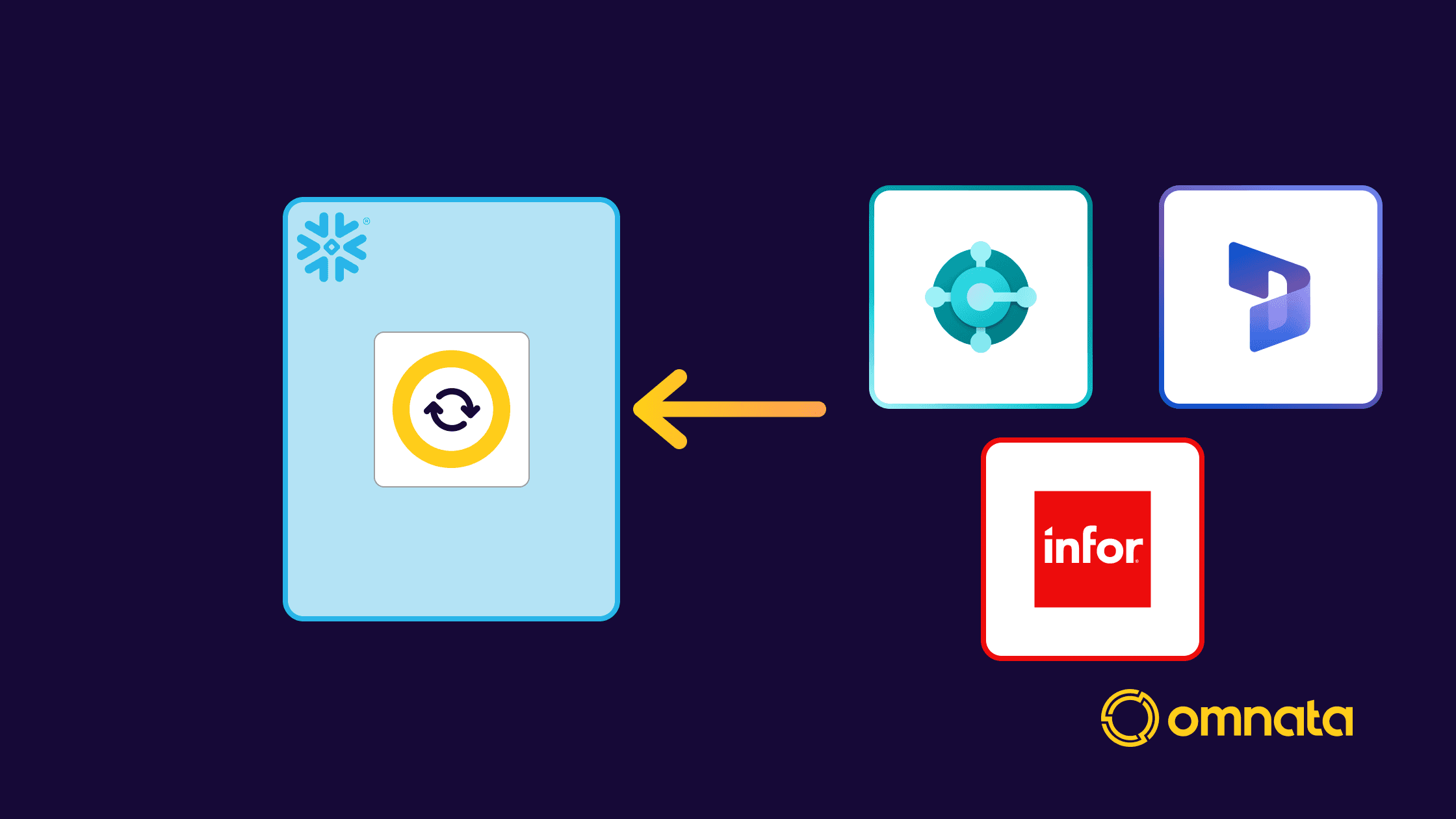
Omnata Sync now connects three major ERP platforms to Snowflake as a Native App. Omnata runs inside your Snowflake account with no data passing through Omnata servers (we don't have any).
Fixed price connectors with no Monthly Active Row charges
No external infrastructure for fast cyber approvals
Purchase through Snowflake using credit drawdown (if eligible)
Here's what's now available:
Infor Data Lake
Infor's platform stores operational data in the Infor Data Lake — a centralised repository that acts as the gateway for data flowing out of Infor products. The default integration pattern to get that data into Snowflake is infrastructure-heavy: multiple middleware components, cloud services, and the kind of setup that can easily reach six figures in direct costs before you've written a single report. What's more, the internal infrastructure of Infor has edge cases that lose data, leaving data engineering teams with time consuming reconciliation tasks
The Omnata Infor Data Lake Plugin is a single hop from Infor Data Lake to Snowflake, running natively inside your account. It's built to handle enterprise-scale ERP volumes — billions of records in total, millions incrementally. Plus, Omnata has built in secondary processing to re-fetch missing records and merge them into the landed data automatically.
Read the full post · Snowflake Marketplace
Microsoft Dynamics 365 Business Central
Business Central is Microsoft's ERP for mid-market organisations. Getting that data into Snowflake typically means hitting the Business Central APIs directly — which works, but requires building and maintaining the pipeline yourself, or paying for a SaaS tool that handles your data on the way through.
The Omnata Business Central Plugin ingests from Business Central into Snowflake natively, with support for Standard APIs, Custom APIs, and OData. It runs inside your Snowflake account, so your ERP data moves directly from Microsoft's environment to yours without touching anything in between.
Read the full post · Snowflake Marketplace
Microsoft Dynamics 365 F&O via Synapse Link
For Dynamics 365 Finance & Operations, the recommended export mechanism is Microsoft's own Synapse Link — which continuously replicates your F&O tables to Azure Data Lake Storage Gen2 in Common Data Model format. That covers the export from Microsoft's side. Getting from Azure Data Lake into Snowflake is where Omnata picks up.
The Omnata Dynamics 365 Synapse Link Plugin reads directly from that Azure Data Lake as a Native App inside your Snowflake account. It automatically detects the Common Data Model schema, maps field types to Snowflake-native types, identifies composite primary keys, and loads data incrementally — only fetching what's changed since the last sync. No load is placed on the Dynamics APIs directly, and no external pipeline infrastructure is required.
Read the full post · Snowflake Marketplace
Get started
All three plugins run on Omnata Sync, which is available as a free core listing on the Snowflake Marketplace. Install Omnata Sync first, then add whichever connector plugins you need.
You can pay for Omnata using Snowflake Credits (if in an eligible region).