Share post

Share post

Blog: Product

Bi-directional Snowflake–Marketing Cloud sync, without D360.

Bi-directional Snowflake–Marketing Cloud sync, without D360.

Plugins |

Salesforce

By:

30 April 2026

Bi-directional Snowflake–Marketing Cloud sync, without D360

Salesforce D360 (formerly Data Cloud) sells itself as the place to build your unified view of the customer — the single profile that drives both CRM and marketing. But for teams running a Snowflake-first data stack, that's you single view of the customer, so you don't need the heavy lift of D360.

You want a SINGLE source of truth

Salesforce will tell you, ingest your Snowflake data into D360, model it there, build segments, and activate them to Salesforce CRM and Marketing Cloud. However, that results in a fully fledged CDP platform sitting in the middle of Snowflake and downstream systems — adding cost and configuration steps where one should do. Not to mention, you want a single source of truth, not two in competition.

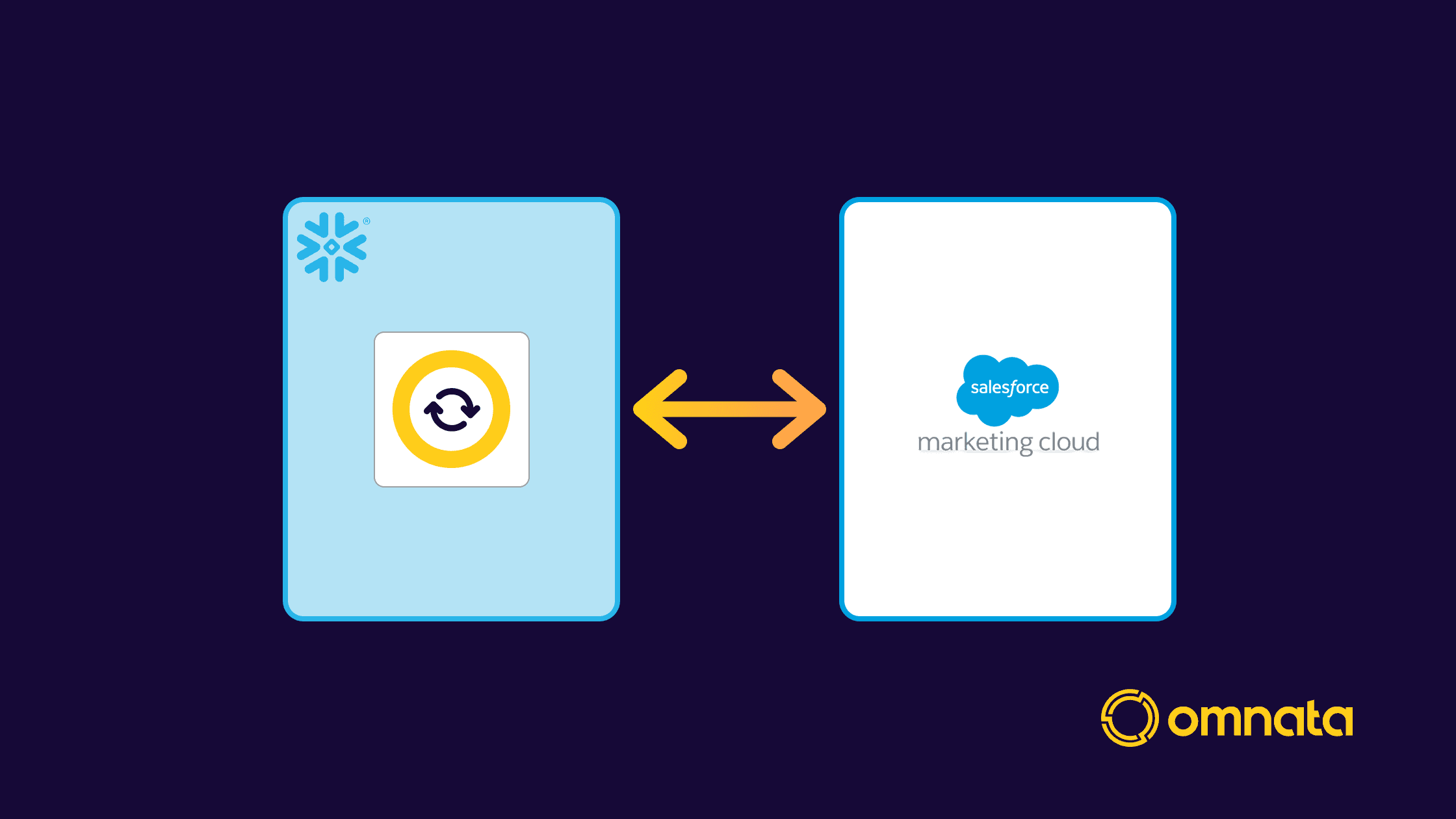
The Omnata Salesforce Marketing Cloud Plugin connects Snowflake directly to SFMC, running as a Native App inside your Snowflake account. And if you're also using the Omnata Salesforce CRM Plugin, the same Snowflake tables can drive both CRM and marketing — with Snowflake as the source of truth, no D360 required.

Omnata connects directly to your Snowflake tables

With D360, the path from Snowflake to SFMC runs through four separate steps: ingest, model, build segment, activate. Each step adds setup overhead and the activation step consumes credits — cost scales with how often you run it and how many records you push.

Omnata's configuration is: point a sync at a Snowflake table or view, map it to a Data Extension, set a schedule. That's it.

Push from Snowflake to SFMC. Any table or view can be synced into a Marketing Cloud Data Extension — LTV tiers, purchase history, churn scores, or any attribute your marketing team needs. Sync strategies are automated, with Omnata keeping track of incremental changes and performance tuning parameters.

Ingest from SFMC into Snowflake. Data Extensions and Journey History are both supported as inbound streams. Data lands directly in Snowflake tables and can be orchestrated with your chosen data pipeline tools.

No SaaS tool in the middle

A common alternative to D360 for Snowflake–SFMC connectivity is a SaaS integration tool — Fivetran, Hightouch, Celigo, or similar. These tools authenticate to both systems and route data through their own servers. Your customer data passes through a third-party infrastructure layer on the way from Snowflake to SFMC and back. That's an additional contract, an additional security review, and an additional vendor to manage.

Omnata works differently. It runs as a Native App inside your Snowflake account and connects directly to SFMC from within the account boundary. No SaaS middleware server handles your data in transit — it moves directly from your Snowflake environment to SFMC over an authenticated connection. For teams with strict vendor policies or data handling requirements, that's one fewer party in the chain.

Three connection methods — including cloud storage for Hyperforce

Omnata supports three authentication and transport configurations for SFMC, covering both legacy and modern deployments.

OAuth + SFTP with GPG encryption. The standard configuration for legacy SFMC deployments. OAuth 2.0 authenticates against the Marketing Cloud APIs; SFTP with SSH key handles file transfer; GPG encrypts the payload in transit.

OAuth + SFTP without encryption. The same as above without the GPG layer, for environments where payload encryption isn't required.

OAuth + cloud storage. For Hyperforce SFMC deployments, file transfer happens via cloud object storage (S3 or Azure Blob Storage) rather than SFTP. Omnata doesn't interact with the cloud storage directly — instead, you configure a file location in Marketing Cloud and a matching Snowflake external stage pointing to the same underlying storage bucket. Omnata reads and writes through the external stage from inside your Snowflake account. OAuth 2.0 handles the Marketing Cloud API authentication as with the other methods.

Omnata vs Salesforce D360: what changes

D360 migh if you genuinely need a CDP — identity resolution across disconnected source systems or ML-driven audience building. If that's the problem, it's built for it.

If the problem is activating Snowflake data in Marketing Cloud and Salesforce CRM, the cost and complexity difference is hard to ignore.


Omnata Sync (Native App)

Salesforce D360

What it is

Snowflake Native App connector

Salesforce's customer data platform (CDP)

Typical cost

Thousands per year

Six figures+ to license and implement

Pricing model

Flat fee; unlimited records

Consumption-based credits; activations cost credits per record

Where data lives

Stays inside your Snowflake account

Ingested into Salesforce D360 infrastructure

Setup

Install from Marketplace; point at a Snowflake table

Ingest → model → build segment → activate (four separate steps)

SFMC deployment support

Legacy (SFTP) and Hyperforce (cloud storage)

Hyperforce (D360 native)

SQL access to SFMC

Native UDFs from within Snowflake

No direct SQL access from Snowflake

Sources: Salesforce D360 limits and guidelines, D360 activation, D360 pricing

Get started

Available on the Snowflake Marketplace with a 30-day free trial. Requires Omnata Sync (free core listing).

You can pay for Omnata using Snowflake Credits (if in an eligible region).

Documentation · Marketplace listing

Bi-directional Snowflake–Marketing Cloud sync, without D360

Salesforce D360 (formerly Data Cloud) sells itself as the place to build your unified view of the customer — the single profile that drives both CRM and marketing. But for teams running a Snowflake-first data stack, that's you single view of the customer, so you don't need the heavy lift of D360.

You want a SINGLE source of truth

Salesforce will tell you, ingest your Snowflake data into D360, model it there, build segments, and activate them to Salesforce CRM and Marketing Cloud. However, that results in a fully fledged CDP platform sitting in the middle of Snowflake and downstream systems — adding cost and configuration steps where one should do. Not to mention, you want a single source of truth, not two in competition.

The Omnata Salesforce Marketing Cloud Plugin connects Snowflake directly to SFMC, running as a Native App inside your Snowflake account. And if you're also using the Omnata Salesforce CRM Plugin, the same Snowflake tables can drive both CRM and marketing — with Snowflake as the source of truth, no D360 required.

Omnata connects directly to your Snowflake tables

With D360, the path from Snowflake to SFMC runs through four separate steps: ingest, model, build segment, activate. Each step adds setup overhead and the activation step consumes credits — cost scales with how often you run it and how many records you push.

Omnata's configuration is: point a sync at a Snowflake table or view, map it to a Data Extension, set a schedule. That's it.

Push from Snowflake to SFMC. Any table or view can be synced into a Marketing Cloud Data Extension — LTV tiers, purchase history, churn scores, or any attribute your marketing team needs. Sync strategies are automated, with Omnata keeping track of incremental changes and performance tuning parameters.

Ingest from SFMC into Snowflake. Data Extensions and Journey History are both supported as inbound streams. Data lands directly in Snowflake tables and can be orchestrated with your chosen data pipeline tools.

No SaaS tool in the middle

A common alternative to D360 for Snowflake–SFMC connectivity is a SaaS integration tool — Fivetran, Hightouch, Celigo, or similar. These tools authenticate to both systems and route data through their own servers. Your customer data passes through a third-party infrastructure layer on the way from Snowflake to SFMC and back. That's an additional contract, an additional security review, and an additional vendor to manage.

Omnata works differently. It runs as a Native App inside your Snowflake account and connects directly to SFMC from within the account boundary. No SaaS middleware server handles your data in transit — it moves directly from your Snowflake environment to SFMC over an authenticated connection. For teams with strict vendor policies or data handling requirements, that's one fewer party in the chain.

Three connection methods — including cloud storage for Hyperforce

Omnata supports three authentication and transport configurations for SFMC, covering both legacy and modern deployments.

OAuth + SFTP with GPG encryption. The standard configuration for legacy SFMC deployments. OAuth 2.0 authenticates against the Marketing Cloud APIs; SFTP with SSH key handles file transfer; GPG encrypts the payload in transit.

OAuth + SFTP without encryption. The same as above without the GPG layer, for environments where payload encryption isn't required.

OAuth + cloud storage. For Hyperforce SFMC deployments, file transfer happens via cloud object storage (S3 or Azure Blob Storage) rather than SFTP. Omnata doesn't interact with the cloud storage directly — instead, you configure a file location in Marketing Cloud and a matching Snowflake external stage pointing to the same underlying storage bucket. Omnata reads and writes through the external stage from inside your Snowflake account. OAuth 2.0 handles the Marketing Cloud API authentication as with the other methods.

Omnata vs Salesforce D360: what changes

D360 migh if you genuinely need a CDP — identity resolution across disconnected source systems or ML-driven audience building. If that's the problem, it's built for it.

If the problem is activating Snowflake data in Marketing Cloud and Salesforce CRM, the cost and complexity difference is hard to ignore.


Omnata Sync (Native App)

Salesforce D360

What it is

Snowflake Native App connector

Salesforce's customer data platform (CDP)

Typical cost

Thousands per year

Six figures+ to license and implement

Pricing model

Flat fee; unlimited records

Consumption-based credits; activations cost credits per record

Where data lives

Stays inside your Snowflake account

Ingested into Salesforce D360 infrastructure

Setup

Install from Marketplace; point at a Snowflake table

Ingest → model → build segment → activate (four separate steps)

SFMC deployment support

Legacy (SFTP) and Hyperforce (cloud storage)

Hyperforce (D360 native)

SQL access to SFMC

Native UDFs from within Snowflake

No direct SQL access from Snowflake

Sources: Salesforce D360 limits and guidelines, D360 activation, D360 pricing

Get started

Available on the Snowflake Marketplace with a 30-day free trial. Requires Omnata Sync (free core listing).

You can pay for Omnata using Snowflake Credits (if in an eligible region).

Documentation · Marketplace listing

subscribe

Deliver the goods to your inbox

subscribe

Deliver the goods to your inbox